
Still sitting since 9 am?
Chairtax takes over your screen. Do a few reps in front of the camera and it's yours again.
Sitting all day is bad for you
Hours in a chair raise your risk of heart disease, weight gain and high insulin.1

- Energy
- Every break gets you up and moving.
- Strength
- Squats and chair stands work the biggest muscles in your legs.
- Heart
- Jumping jacks and high knees raise your heart rate.
- Blood sugar
- Chair stands every 30 minutes cut the rise in insulin after lunch.2
How a break goes
-

Heads up
Thirty seconds before a break, a notice gives the movement and the target.
-
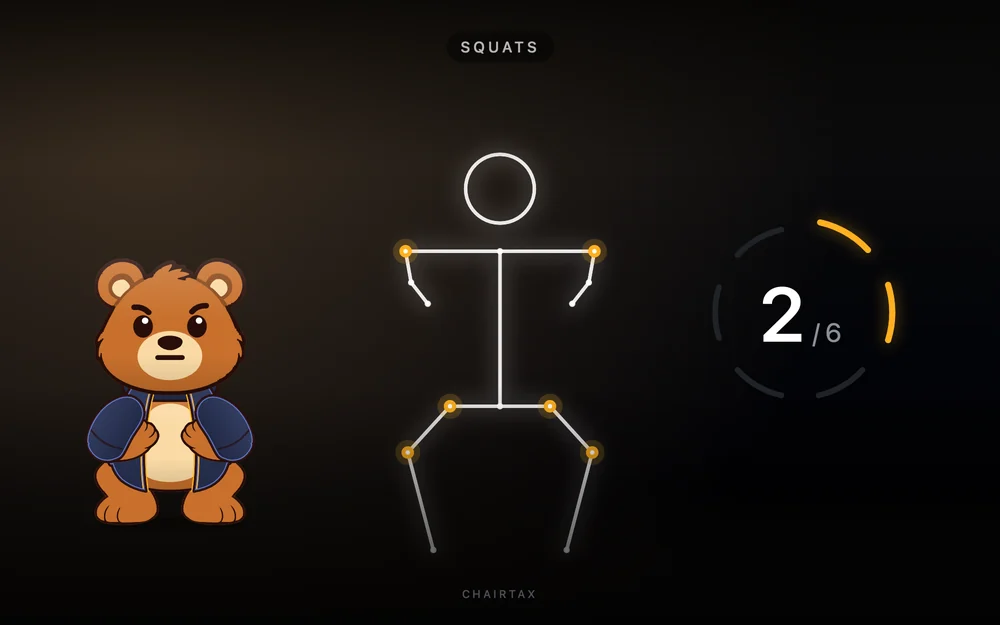
Get moving
The screen is covered on every display. Stand where the camera can see your head and hips, and do the reps.
-
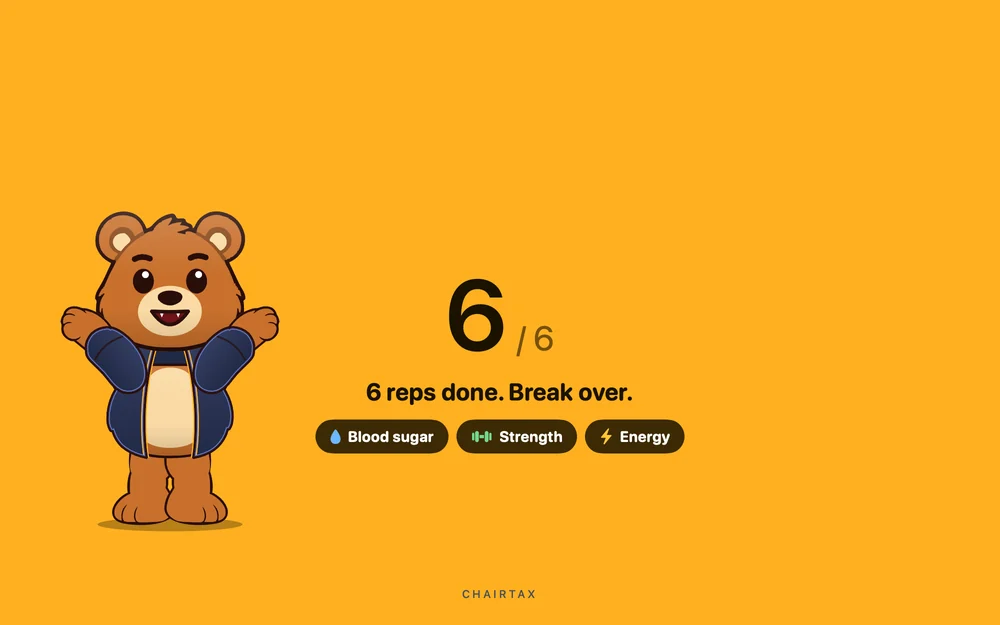
Back to work
Success! You can continue with your work.

The menu shows when your next break is. Start one early or pause them from there.
Six movements the camera counts
Pick one in setup and change it in Settings.
Pick your rank
The higher the rank, the harder a break is to skip.
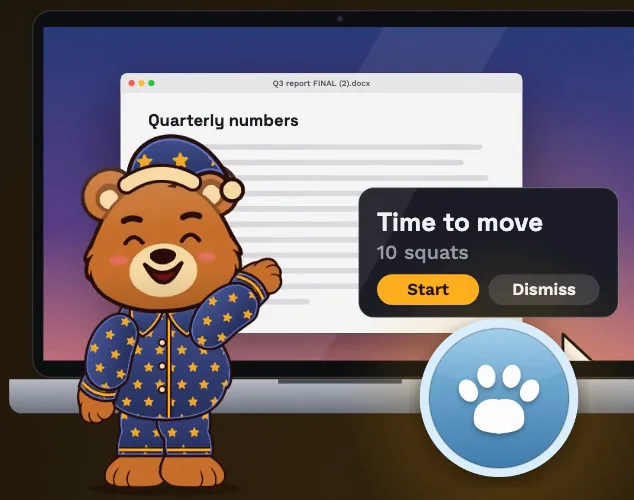
Cub
A card over your work. You can dismiss it, and that ends your streak.
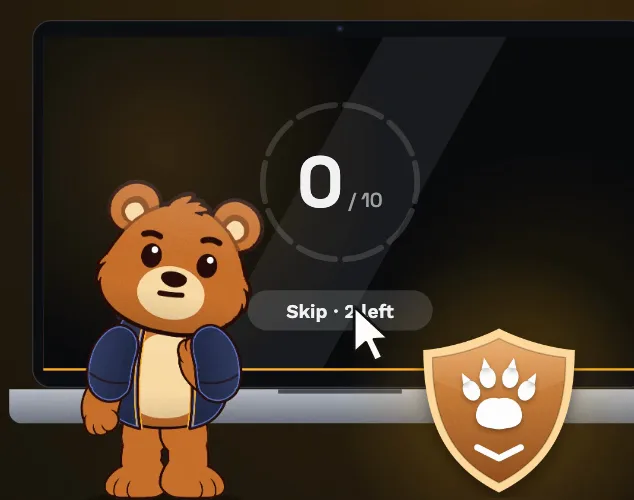
Brown bear
The screen is covered. A few skips a day, and you can switch apps.

Grizzly
The screen stays covered until the reps are done. No skips.
Nobody sees your video
- The camera counts your reps right on your Mac.
- The picture is never saved, uploaded or shown to anyone.
- The break screen shows a stick figure by default. Your camera picture appears only if you turn it on.
What it costs
From this site
$29
- One payment of $29. Sales tax or VAT is added at checkout where it applies.
- The key works on one Mac at a time.
- Comes with the money-back challenge.
On the Mac App Store
$29.99
- One payment to Apple. No licence key.
- The money-back challenge is for copies bought on this site.

Do the reps and get your $29 back
Comes with every copy bought here. Hit the target, get your $29 back, and keep Chairtax.
The full terms and how to claim
Questions
Does the camera picture go anywhere?
No. Chairtax only uses the camera to count your reps, on your Mac. The picture is never saved, uploaded or shown to anyone, and the app's one connection is the licence check. The break screen shows a stick figure by default; your camera picture appears there only if you turn it on. The privacy policy has the details.
What happens if a break comes up during a video call?
Breaks wait while another app is using the camera or microphone. Before each break Chairtax checks, and if one is in use, the break waits five minutes and checks again.
Can I get my screen back in an emergency?
Yes, at every rank. Press Emergency override on the break screen, and the screen comes back after 60 seconds. If you finish the reps first, it comes back then. Every break ends on its own after 15 minutes.
What do I need to run it?
A Mac with macOS 14 or later and a camera, built in or connected. For the camera movements, stand back far enough that the camera sees your head and hips.

The Mac app that gets you out of your chair
$29 once on this site, or $29.99 on the Mac App Store. For macOS 14 or later.